
Unlisted on the Chrome Web Store. Meet Transcripts is published, but it is reached through its direct link rather than by searching the Chrome Web Store. Use the link on this page to install it.
Overview
Meet Transcripts is a Google Chrome extension from AhMath Learning Center, designed primarily for teachers and schools. It converts Google Meet's live captions into a transcript and saves it as a Google Doc in the user's own Google Drive.
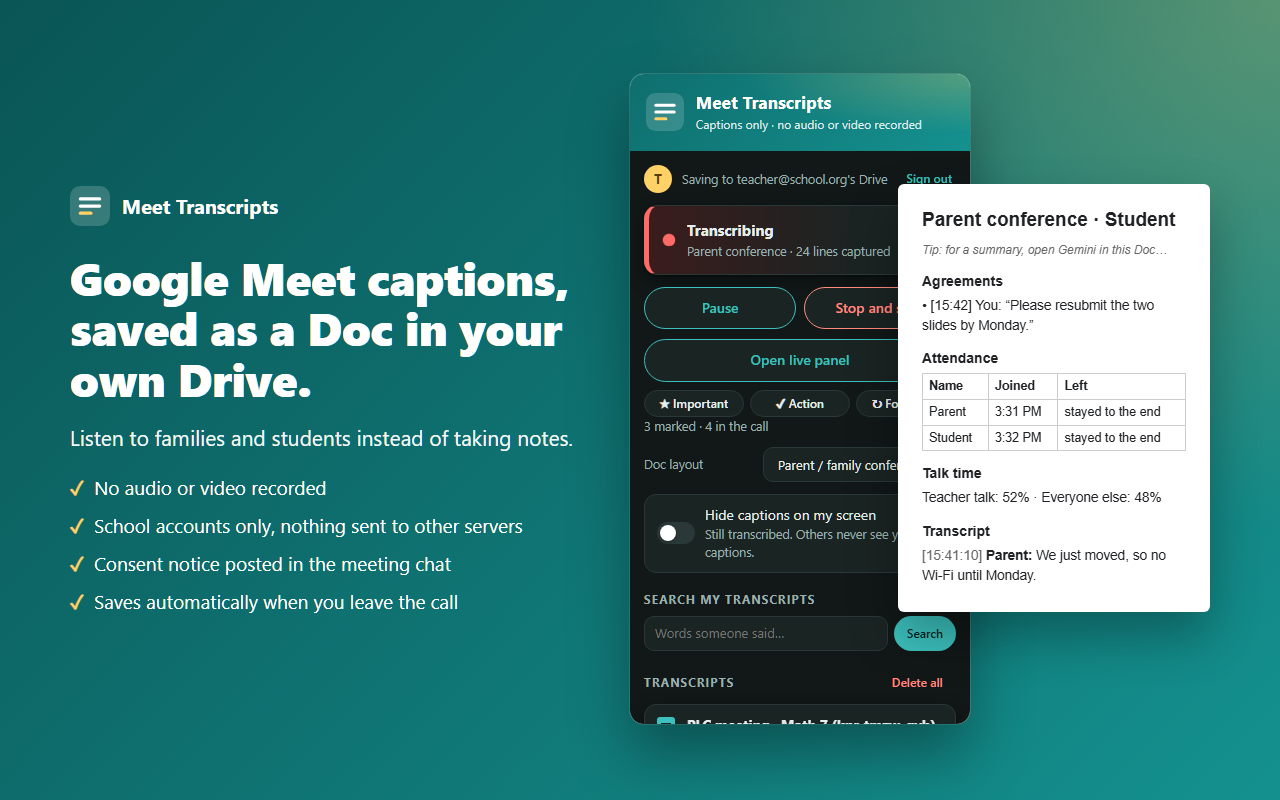
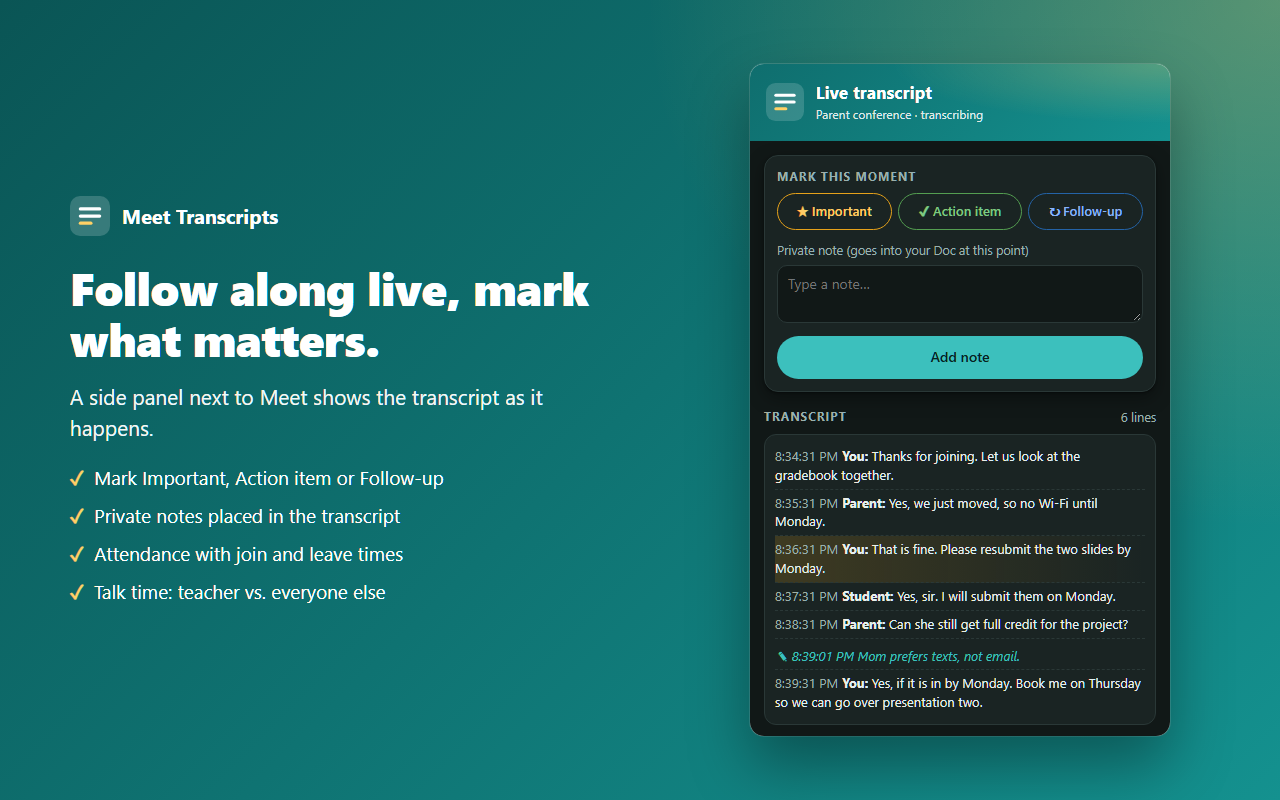
During a meeting it shows the live transcript, attendance, and talk time, and lets you mark important moments, action items, and follow-ups, or add private notes. Afterwards, transcripts can be searched and shared, sensitive information can optionally be redacted, and follow-up emails can be prepared.
The extension works from captions only. It does not record microphone audio, camera video, or the screen. According to its Chrome Web Store listing, it works with school Google Workspace accounts, and schools control the consent and retention settings.
Features
- Captions to Google Docs. Turns Google Meet live captions into a transcript saved as a Google Doc in your own Google Drive.
- Live meeting view. Shows the live transcript, attendance, and talk time while the meeting runs.
- Moments, actions, and notes. Mark important moments, action items, and follow-ups, and keep private notes.
- Search and share. Search transcripts and share them when you choose to.
- Optional redaction. Optionally redact sensitive information from transcripts.
- Follow-up emails. Prepare follow-up emails from a meeting.
- School-controlled settings. Consent and retention settings are controlled by the school.
- Captions only. Does not record microphone audio, camera video, or the screen.
Screenshots
Availability and installation
- Open the Chrome Web Store listing using the link on this page. The extension is unlisted, so it will not appear in ordinary Chrome Web Store search.
- Choose "Add to Chrome" and confirm the permissions Chrome shows.
- Sign in with your school Google Workspace account when the extension asks.
- In a Google Meet call, start transcribing from the extension. It works from Meet's live captions.
Pricing and future offerings
Not announced. No pricing has been announced. If paid plans or subscriptions are offered in future, their terms will be shown here before any purchase.
Support and documentation
Contact AhMath Learning Center at ahmathlc@gmail.com (as listed in the privacy policy).
Documentation and support pages have not been published yet.
Privacy
- Transcripts are saved as Google Docs in your own Google Drive.
- Transcript text that has not yet been saved to Drive may be kept temporarily in Chrome's local storage for crash recovery, for no longer than 24 hours.
- The extension does not record microphone audio, camera video, or the screen.
- Whether it meets a school's own data-protection obligations depends on that school's agreements and policies.
This is a summary. Read the full Meet Transcripts privacy policy .
Information still to be published
- Pricing model
- Current version number
- Support and documentation pages